How to Tune Plate-Mounted Stabilizers on a Budget 1800 Keyboard
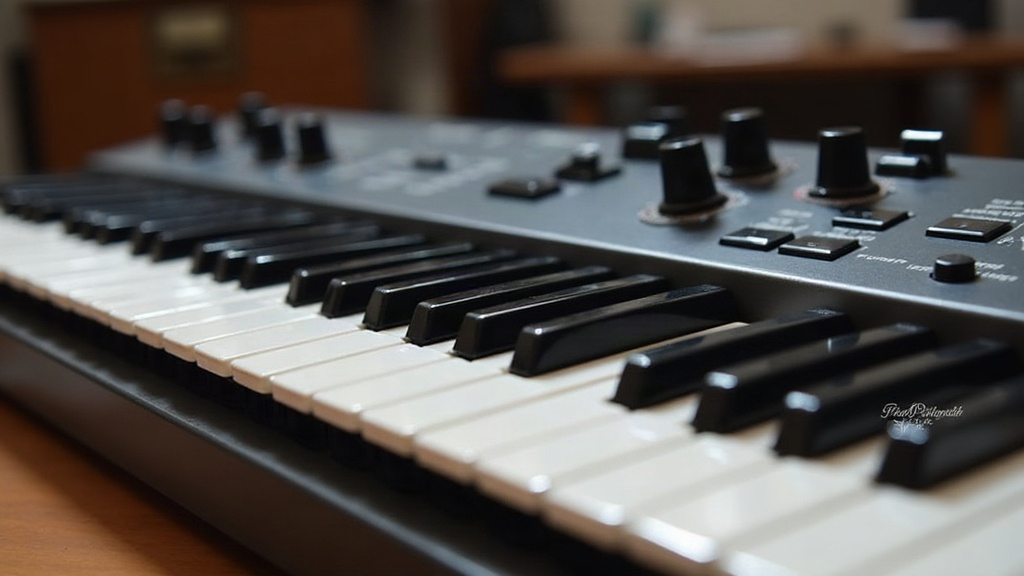
If your budget 1800-layout keyboard sounds like a bag of loose screws every time you hit the spacebar, shift, or enter key, you’re dealing with untuned plate-mounted stabilizers. The good news? You can fix it in an afternoon without spending more than a few dollars. This guide walks through every step, from diagnosing the rattle to final lubing, tailored specifically to the quirks of 96%/1800-layout boards that often ship with loose, low-quality stabilizers to hit a price point.
Why 1800-Layout Boards Are Especially Prone to Stab Rattle
The 1800 layout (also called 96%) crams a numpad, arrow cluster, and full alpha block into a compact chassis. That density means more stabilized keys than you’d find on a standard TKL, typically backspace, enter, right shift, numpad enter, numpad plus, and spacebar. Budget boards cut costs by using thin stock stabilizer wires, loose-tolerance housings, and skipping factory lube entirely. Add more stabilized keys to cheaper parts, and you get a recipe for rattle.
Tools You Actually Need
You don’t need a full lube station to get a noticeable improvement. Here’s what to gather:
- A keycap puller
- A small Phillips screwdriver (for screw-in stabs) or flathead (for clip-in)
- Dielectric grease or a thin coat of Krytox 205g0/105 (a $10-15 syringe lasts years)
- A small brush or toothpick for application
- Thin strips of sticker paper, painter’s tape, or foam (for the “bandaid mod”)
- Optional: nail clippers for wire-balancing mods
Step 1: Diagnose the Problem First
Before tearing anything apart, press each stabilized key and listen closely. What kind of noise are you actually dealing with?
- High-pitched rattle when pressing the edges of the key (not the center): usually housing-to-plate play.
- Clacky bottom-out: dry stem-to-wire contact.
- Tick on upstroke: wire catching on the PCB or housing.
- Uneven keypress feel (one side mushier than the other): wire not seated evenly in the stem.
Knowing which symptom you’ve got saves time. Not every stab needs every fix, and chasing the wrong problem just wastes your afternoon.
Step 2: Remove and Inspect
Pop the keycaps off the stabilized keys, then remove the stabilizers from the plate. On most budget boards these are plate-mounted clip-in stabs, so gently squeeze the clips and pop them out. Screw-in stabs (found on slightly nicer budget boards) just need the small screws backed out.
Inspect the wire for burrs or sharp edges left over from the stamping process. This is a surprisingly common cause of rattle on cheap stabs, and most people never think to check for it. Light sanding with 1000+ grit paper, or a few passes with a nail file, smooths these out in under a minute per wire.
Step 3: Lube Everything That Moves
This is the single biggest improvement you can make, full stop:
- Apply a thin layer of dielectric grease or Krytox to the wire where it contacts the stem housing.
- Lube the stem’s inner walls where the wire slides.
- Add a small amount to the housing feet where they sit in the plate. This quiets the “click” you hear when the key bottoms out.
- Don’t oversaturate. Excess lube attracts dust and can gum up over time, which just trades one problem for another.
Step 4: Fix Plate-Mount Looseness with the Bandaid Mod
Plate-mounted stabilizers rattle in their plate cutouts because the housing has more room than it actually needs. The bandaid mod fixes this for basically nothing:
- Cut a small strip of painter’s tape, a sticker, or thin foam.
- Place it on the plate where the stabilizer housing clips in, before reinserting the stab.
- This fills the gap and kills the side-to-side wiggle that causes most of the rattle.
Test fit before closing the case. You want snug, not so tight that the stabilizer can’t move freely anymore.
Step 5: Balance the Wire
If one side of a stabilized key feels different from the other, chances are the wire isn’t level. Gently bend the wire ends (where they insert into the stem) with small pliers until both sides of the key press evenly. Go slow here. A single millimeter of bend can swing the feel noticeably, so tiny adjustments are the way to go.
Step 6: Reassemble and Test
Clip the stabs back into the plate, reinstall the keycaps, and type out a full sentence, hitting space, enter, and shift along the way. Listen for anything left over. If a tick or rattle is still hanging around, nine times out of ten it’s just insufficient lube at the wire-stem contact point. That’s the most common culprit by a wide margin.
Is It Worth the Effort on a Budget Board?
Absolutely, and it’s not even close. Stabilizer tuning is one of the highest-value, lowest-cost mods in the entire hobby. A $60 budget 1800 board with properly tuned stabs can sound and feel comparable to boards twice or three times the price. It’s also about as low-risk as mods get: no soldering, no permanent changes, and fully reversible if you mess something up.
Conclusion
Tuning plate-mounted stabilizers on a budget 1800-layout keyboard really comes down to three things: lube, fill the gaps, and balance the wire. With under $15 in supplies and an hour of patient work, you can turn a rattly, cheap-feeling board into something that sounds satisfying and types smoothly. Great typing feel just doesn’t require a premium price tag, not anymore.