Spring Cleaning a Keyboard With Kailh Box Switches Safely
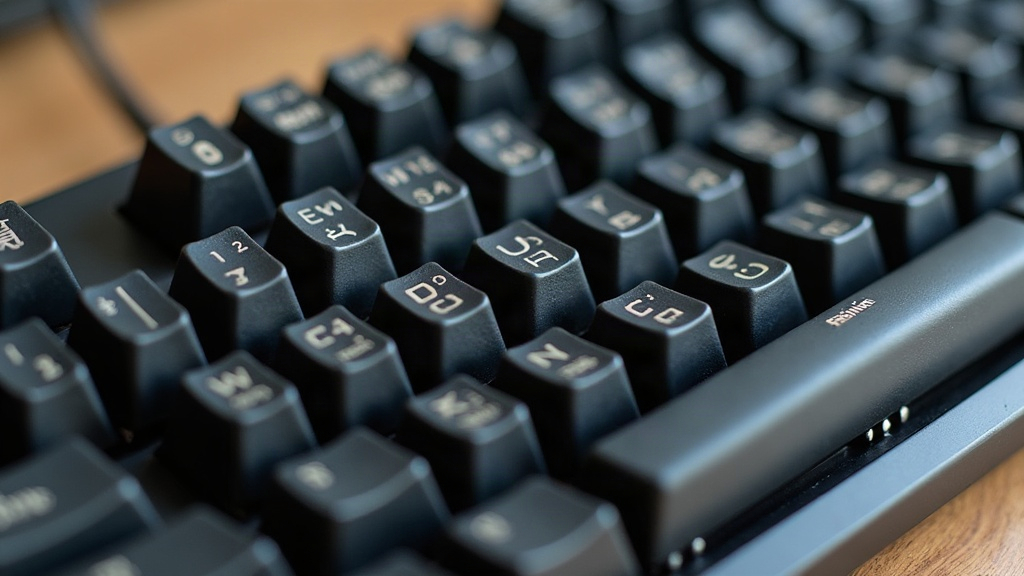
Spring cleaning a keyboard built around Kailh Box switches isn’t quite the same job as cleaning a board full of linears or standard tactiles. These switches rely on factory-applied grease around the click bar and stem housing to keep that signature crisp, water-resistant feel intact. Grab the wrong solvent, or just get heavy-handed with your cleaning routine, and you can strip that grease right off. What’s left is a switch that feels scratchy, inconsistent, or headed for early wear. Here’s how to freshen up your board this spring without undoing the engineering that makes Box switches worth using in the first place.
Why Kailh Box Switches Need Special Care
Kailh Box switches (White, Navy, Jade, Royal, and the rest of the lineup) use a box-shaped stem with an internal click bar mechanism. That design does a few things:
- Seals out dust and spills far better than open-housing switches
- Depends on a thin film of grease on the click leaf and stem rails for smooth, repeatable actuation
- Creates that distinctive tactile bump or click through precise mechanical contact, not just spring tension
This is exactly why isopropyl alcohol (IPA), especially at high concentration or applied too liberally, is bad news here. It dissolves the grease. Clean a Box switch this way and you’ll likely end up with something that feels “crunchy,” fires inconsistently, or sounds louder and sharper than it used to.
What You’ll Need
- Compressed air (a can, or a small electric duster if you clean often)
- Keycap puller (wire or ring style, whichever you’re used to)
- Switch puller, but only if you’re working on a hot-swap board
- Soft microfiber cloth
- Cotton swabs
- 99% isopropyl alcohol, used sparingly and only on keycaps and the case, never on switches
- Small soft-bristle brush (an old, unused makeup brush does the job nicely)
- Painter’s tape, optional, for masking PCB edges if you’re working on a soldered board
Step-by-Step Cleaning Process
1. Remove Keycaps First
Pull every keycap off, working slowly so you don’t bend any stems. Drop them into warm water with a few drops of mild dish soap and let them soak for 15 to 20 minutes. Then let them air-dry completely before putting anything back together. Here’s the thing most people get wrong: the grime builds up on and under the keycaps, not inside the switch housing itself.
2. Skip the Alcohol Bath for Switches
Don’t dunk switches in IPA. Don’t spray it into the housing either. This is the number one mistake that wipes out factory lubrication on Box switches. A switch that feels gritty or sticky usually just has debris trapped under the stem, nothing that calls for solvent.
3. Use Compressed Air Between Switches
With the keycaps off, tilt the board and hit each row with short bursts of compressed air. That’s enough to knock loose crumbs, dust, and the occasional stray hair, and it won’t touch the grease sitting inside the switch.
4. Brush, Don’t Soak, the Case and Plate
A soft brush sweeps debris off the plate and out of the gaps between switches. For the exterior case, a microfiber cloth that’s barely damp works fine, just wring it out well first so no moisture ever drips down toward the switches or PCB.
5. Spot-Clean Only When Necessary
If one particular switch still feels off after the air cleaning, pull just that one (hot-swap boards only) and dab a tiny bit of IPA on a cotton swab, applying it only to the outer housing seam, never down into the stem channel. Give it time to dry fully before putting it back in.
Signs You’ve Stripped the Grease
- The switch suddenly feels “crunchy” or scratchy under your finger
- The click sound turns sharper, or hollower than before
- Actuation feels rougher compared to the switches sitting right next to it
If you spot any of this, a small dab of switch-specific lubricant (Krytox 205g0 works well on stems, dielectric grease suits click bars) can bring the feel back. That said, this is an advanced repair, and it only really works once the switch is fully disassembled.
Maintenance Tips for the Rest of the Year
- Run compressed air over the board once a month, nothing more, to keep buildup from starting
- Keep drinks well away from the keyboard. Box switches hold off dust just fine, but they do nothing to stop liquid once it reaches the PCB
- Throw a dust cover over the board whenever it’s not in use
- Skip the vacuum cleaner on switches directly. The suction can tug at stems and mess with spring tension over time
Conclusion
You don’t have to sacrifice that signature Box switch feel just to get a thorough spring clean. Pull the keycaps, lean on compressed air, wipe the exterior when it needs it, and save the alcohol and lubricant for switches that genuinely need the extra attention. Stick to that, and your board will look, sound, and click just the way it did the day you built it.