Best Mechanical Keyboard Layouts for Translators Typing Daily
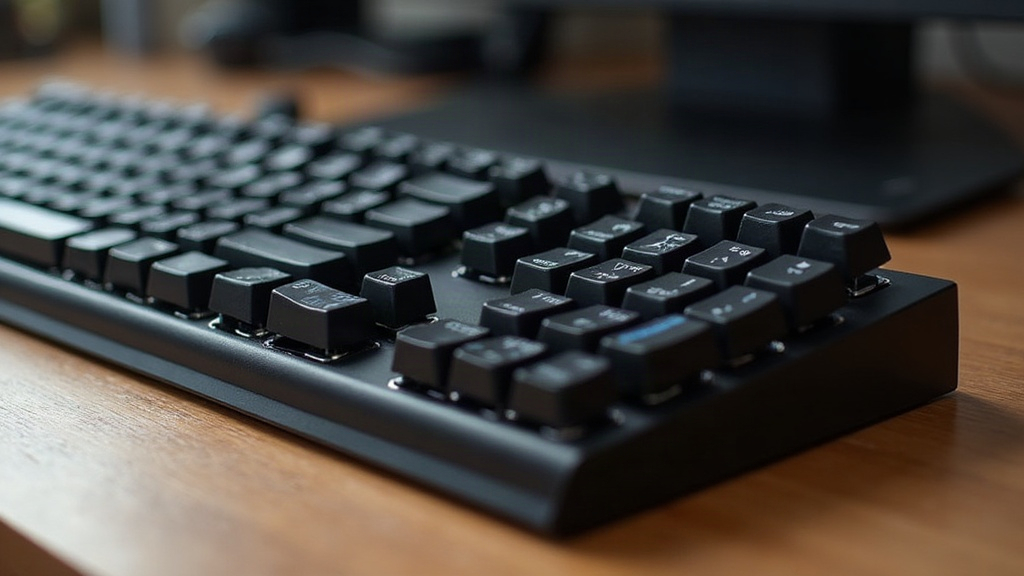
Best Mechanical Keyboard Layouts for Translators Who Type in Multiple Languages Daily
If you bounce between French, Spanish, German, and Polish all day, you already know the pain. Standard keyboards just weren’t built with multilingual work in mind. This guide walks through the layouts that actually work for translators, what matters when you need to hit special characters fast, and how the right hardware can genuinely push your speed and accuracy up a notch.
Why Standard Layouts Fail Multilingual Typists
Most translators lean on OS-level layout switching, toggling between QWERTY, AZERTY, and QWERTZ depending on what they’re translating from or into. Every switch costs a beat of time, and it quietly inflates your error rate on accents, umlauts, and characters like ñ, ç, ß, or ü. You know the feeling: you’re typing “où” mid-sentence and suddenly Cyrillic characters show up because the layout flipped behind your back. That’s exactly where picking the right keyboard starts to matter.
Key Layout Options Compared
ISO vs. ANSI
- ISO layout (the European standard): has an extra key next to Enter, handy for special characters like the German ß or French accented letters.
- ANSI layout (the US standard): slimmer Enter key, but noticeably weaker native support for diacritics.
If you work regularly with European languages, ISO wins almost every time. A lot of mechanical keyboards with ISO layouts bake in umlauts, accents, and ß directly, no detour through extra key combos required.
Programmable Layers and Multiple Profiles
Mechanical keyboards running QMK or VIA firmware (Keychron’s Q-series, the V-series, the GMMK Pro) let you stash multiple language layouts as separate layers. In practice that looks like this:
- One keypress flips between, say, English, French, and German.
- Your most-used special characters get their own macro keys.
- OS-level layout switching basically disappears from your routine.
Ever clicked back and forth between two system languages twenty times in an afternoon? You’ll feel the difference the moment a single keypress replaces that dance. Stretch that across an eight-hour shift and you’re saving real minutes, not some abstract theoretical gain.
Keyboards with Swappable Keycaps
For translators who learn layouts visually, keycap sets with multilingual legends are worth every euro. Keychron and Ducky both sell sets with Cyrillic, Greek, or Nordic characters that just snap onto your existing switches. No engraved stickers, no sticky notes taped to the monitor bezel like it’s 2008.
Concrete Recommendations for Daily Work
- Keychron Q1 Pro (ISO, QMK/VIA): hot-swappable switches, fully programmable, built for custom language layers. A good pick if you like tinkering with different switch feels.
- Logitech MX Mechanical: compact, quiet, plays nicely across operating systems, and its Bluetooth multi-pairing lets you jump between up to three devices in seconds.
- ZSA Moonlander: a split keyboard with freely programmable layers. Popular among working translators mostly for the ergonomic relief it gives during marathon writing days.
Practical Tips for Multilingual Typing
- Turn on the US International layout: lets you type accents through key combos (´ + e gives you é) without switching the whole layout over.
- Set up a Compose key: on Linux, or via AutoHotkey on Windows, a dedicated Compose key spits out complex special characters through simple combos. Set it up once and you’ll never again burn ten minutes googling how to type ø.
- Use text expander tools: apps like Espanso or PhraseExpress pair nicely with your hardware setup, firing off automatic snippets for recurring phrases across languages.
- Pick switches with tactile feedback: tactile switches (Gateron Brown is a solid example) cut down on typos during fast language switches. They give you a clearer physical signal than linear switches, which can swallow a keystroke or two when you’re racing a deadline.
Don’t Skip Ergonomics
Typing across different layouts for hours on end takes a toll on your hands. Split keyboards or models with adjustable tenting angles ease wrist strain, especially when constant layout changes force extra finger movement. Sounds like a minor detail, right? It isn’t. Give it a few weeks and your wrists will tell you otherwise, especially during crunch periods that mean eight or nine straight hours of typing.
Quick Buying Checklist
- ISO layout, if European accented characters are part of your daily grind.
- QMK/VIA programmable firmware, so you can build dedicated language layers.
- Hot-swappable switches, to fine-tune tactile feedback without picking up a soldering iron.
- Multilingual keycap sets, if you’re still learning a new layout by sight.
- Split or tented design, to spare your wrists during long multilingual sessions.
- Bluetooth multi-device pairing, useful if you’re juggling a laptop and a second machine.
Conclusion
If you type in multiple languages every single day, a mechanical keyboard with an ISO layout, QMK/VIA firmware, and quick access to special characters ranks among the smarter investments you can make. Models like the Keychron Q1 Pro or the ZSA Moonlander give you exactly the flexibility you need to switch languages without losing your rhythm. Add in a few software tricks, Compose keys, text expanders, and multilingual typing stops being a daily headache. It gets faster. It gets more accurate. And honestly, it gets a lot less annoying.